Chain Groups
Chain groups allow you sort and filter your chains for quicker navigation in large showfiles.
Creating a chain group
To create a chain group, either click  in the view controls menu on the left hand side of the screen when in the home tab. Alternatively, when adding a chain to a group, press:

Once created, with the group selected you can rename, renumber or delete the chain group using the action menu on the right hand side of the screen.
Adding or removing chains from a group
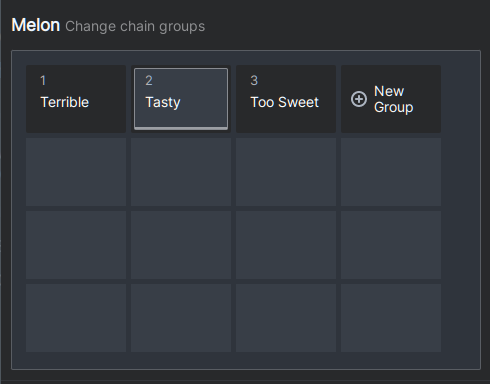
To modify the groups to which a chain is assigned, select the chain and use the picker in the detail pane at the bottom of the screen:

Selecting Change allows you to change the group assignment:
Viewing chains in a group
To quickly view the chains assigned to a group, select that group in the view controls menu:
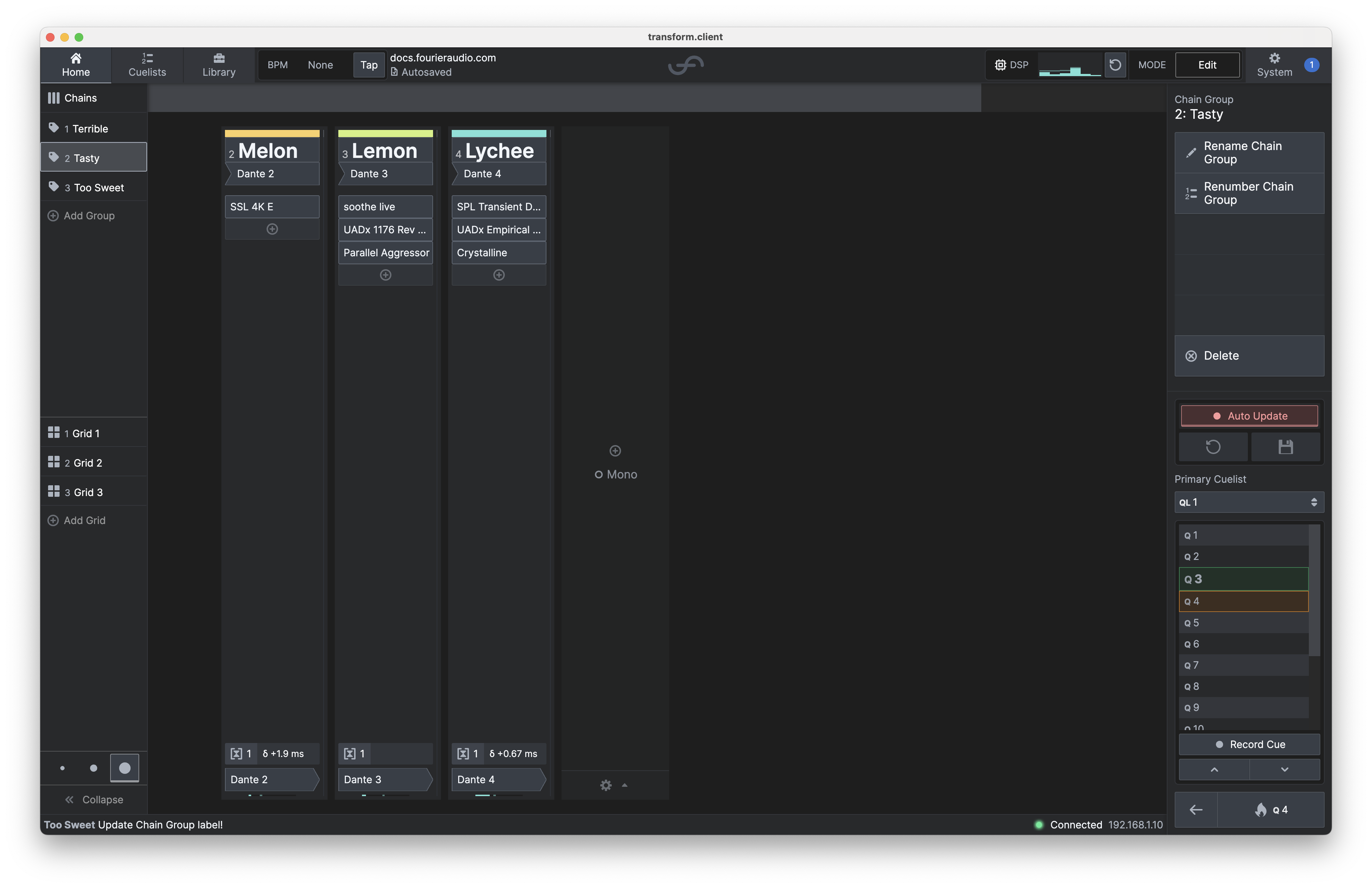
To return to seeing all chains, select  or hit the
  tab.
tab.