Tap Tempo
tip
By default, your plugin is disconnected from the global tap tempo, use the Connect button in the plugin detail pane to connect your plugin to the global tap tempo.

For tap tempo, you can use the conveniently named 'Tap' button in the top bar! (Who'd have thunk it?).
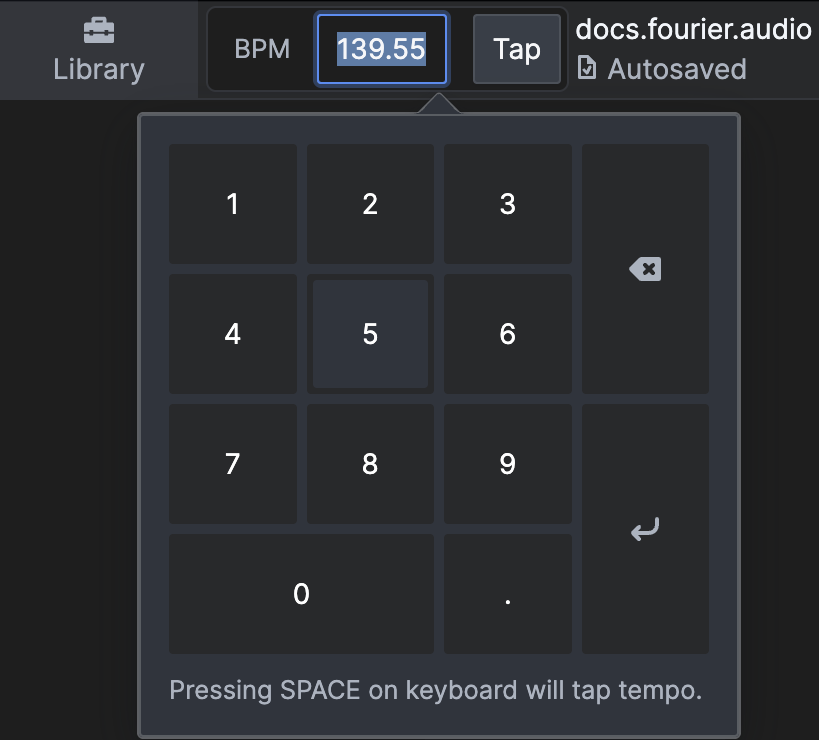
Alternatively you can click the numerical value and type in your favourite BPM/ whatever BPM the drummer is going for today, or use the space bar on your keyboard to tappy tap tap your beat in.
For external tap tempo control, you can use MIDI, see here for more information!
tip
You can also assign cuelist filters to tap tempo, for more information about Recall Tempo Filters, click here!