System Reset
The System Reset tab contains the controls for restarting the unit and removing system data:
- Restart System
- Delete all showfiles
- Reset Plugin Host
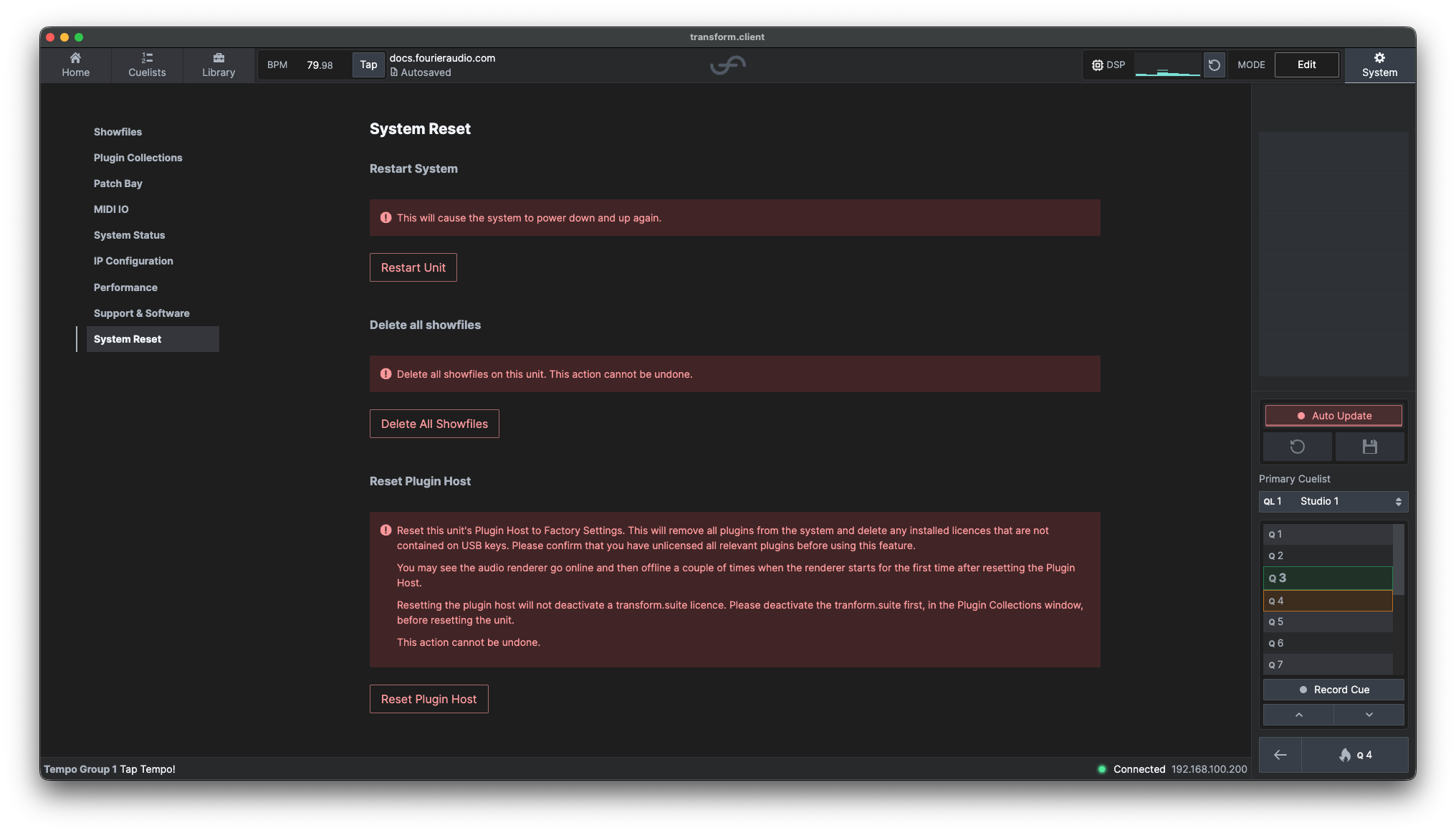
Restart System
Use Restart Unit to remotely restart the connected transform.engine. The unit will power down and start again, temporarily disconnecting from transform.client. This is functionally the same as a power cycle.
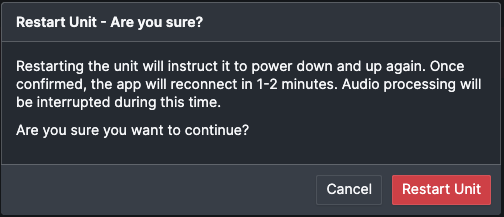
Select Restart Unit, confirm the warning, then wait for around 30 seconds, where the unit will automatically reconnect to transform.client.
Delete all showfiles
As it says on the tin - this option will delete all showfiles on your transform.engine. This includes your current showfile.
If you are looking to only delete one showfile, you can do so in the Showfiles tab by selecting on a showfile and clicking 'Delete' on the right.
Reset Plugin Host
This option resets the Plugin Host to its factory settings. It removes all installed plugins and deletes any licence files that are not stored on USB keys. The Audio Renderer may briefly go online and offline several times when it starts for the first time after the reset.
Before continuing, deactivate or unlicense all relevant plugins. Resetting the Plugin Host does not deactivate a transform.suite licence, so deactivate the suite from Plugin Collections first. This action cannot be undone.